

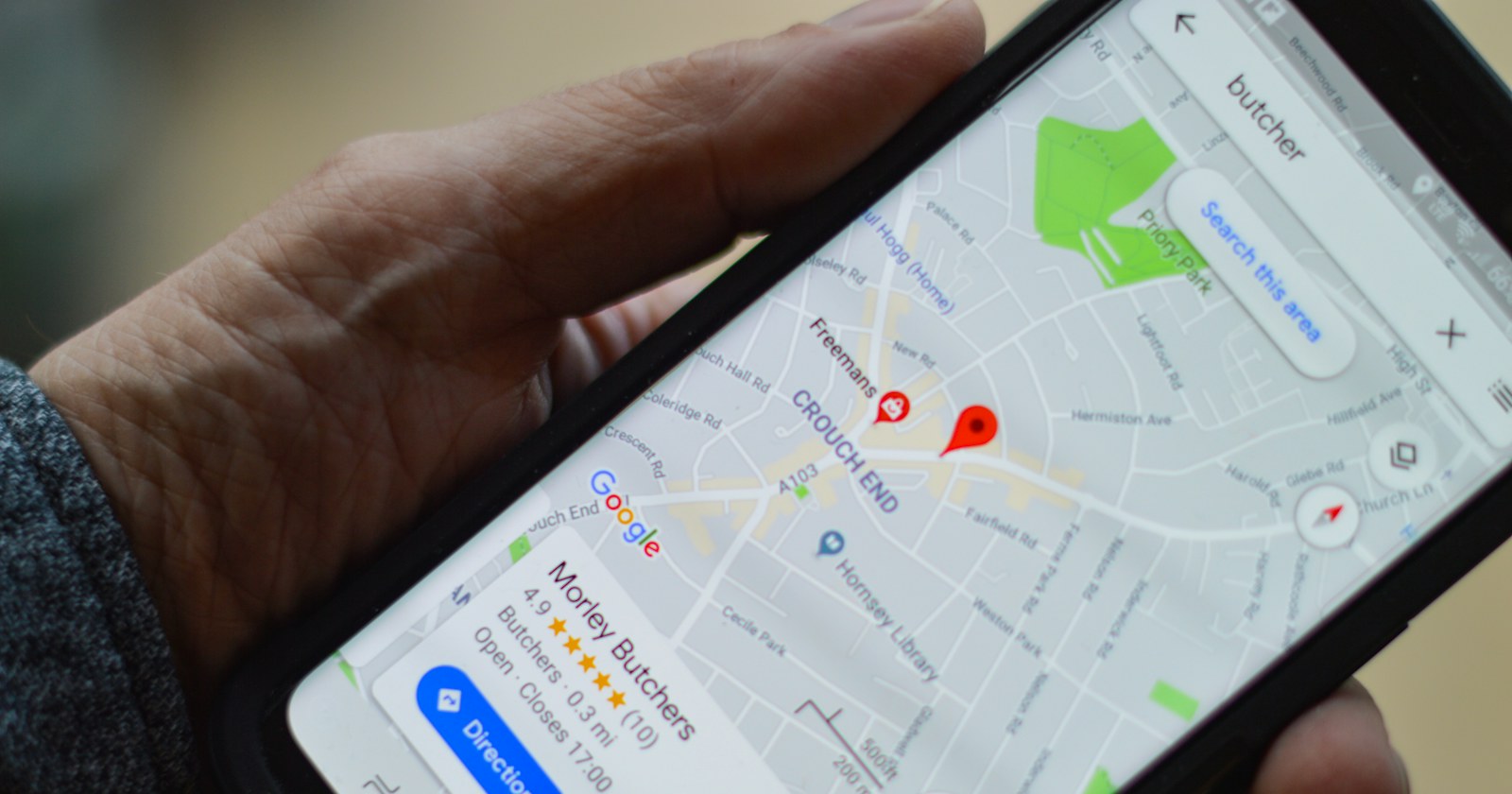
Short answer — "pinning your business on Google Maps" means creating and verifying a free Google Business Profile, then setting the map pin to your exact location. The core steps: create or claim your profile → verify ownership (by postcard, phone, or video) → fill in your name, address, phone, hours, and category exactly as they appear on your website → add real photos. Getting this right matters for local SEO because it's one of the main signals Google uses to decide which businesses show up in the Map Pack and in "near me" searches.
Many business owners think "pinning" is just dropping a marker on a map. In reality it's part of setting up your Google Business Profile — the free tool that controls how your business appears on Google Search and Google Maps. This article walks through the correct steps, and why getting it right from the start matters for local customers finding you.
What "pinning on Google Maps" actually means
Pinning is setting your business location on the map, which is one part of creating a Google Business Profile (formerly Google My Business). Once it's created and verified, your business can appear both on Google Maps and in regular Google Search results, complete with hours, phone number, reviews, and photos.
How to pin your business correctly
- Create or claim your Google Business Profile — go to google.com/business and search your business name first to check whether a profile already exists. Claim it instead of creating a duplicate.
- Verify ownership — Google verifies by postcard (mailed to your address), phone, or video call depending on your business type. This can take a few days to about two weeks.
- Set the pin to your exact location — drag the marker to your real address, not just the general street or area, since Google uses distance from the searcher as a ranking factor.
- Fill in complete, consistent information — your name, address, and phone number (known as NAP) need to match exactly across your profile and your website.
- Choose the right category — your primary category strongly affects which searches you show up for. Pick the most specific match, not a broad catch-all.
- Add real photos of your business — profiles with more, genuine photos tend to earn more clicks and trust.
Why accurate pinning matters for local SEO
When someone searches something with local intent — "restaurant near me" or "dentist in Bangkok" — Google shows a map-based result called the Map Pack before regular search results. Google ranks these mainly on relevance (how well you match the search), distance (how close you are to the searcher), and prominence (reviews, completeness, activity on your profile). A wrong pin or incomplete listing hurts all three at once — and businesses that get this right also tend to show up when AI tools recommend local businesses.
Common mistakes
- Wrong pin location — dragging the marker off your actual address throws off the distance calculation Google relies on.
- Duplicate profiles — creating a new listing when one already exists, which splits your reviews and data across two profiles.
- Wrong or overly broad category — keeps you from showing up for the searches your actual customers use.
- Inconsistent info with your website — mismatched name, address, or phone number (NAP inconsistency) makes Google unsure it's the same business.
- No review responses or stale info — a listing with no recent activity tends to earn less trust from Google.
Want your business found on Google Maps and Google Search at the same time?
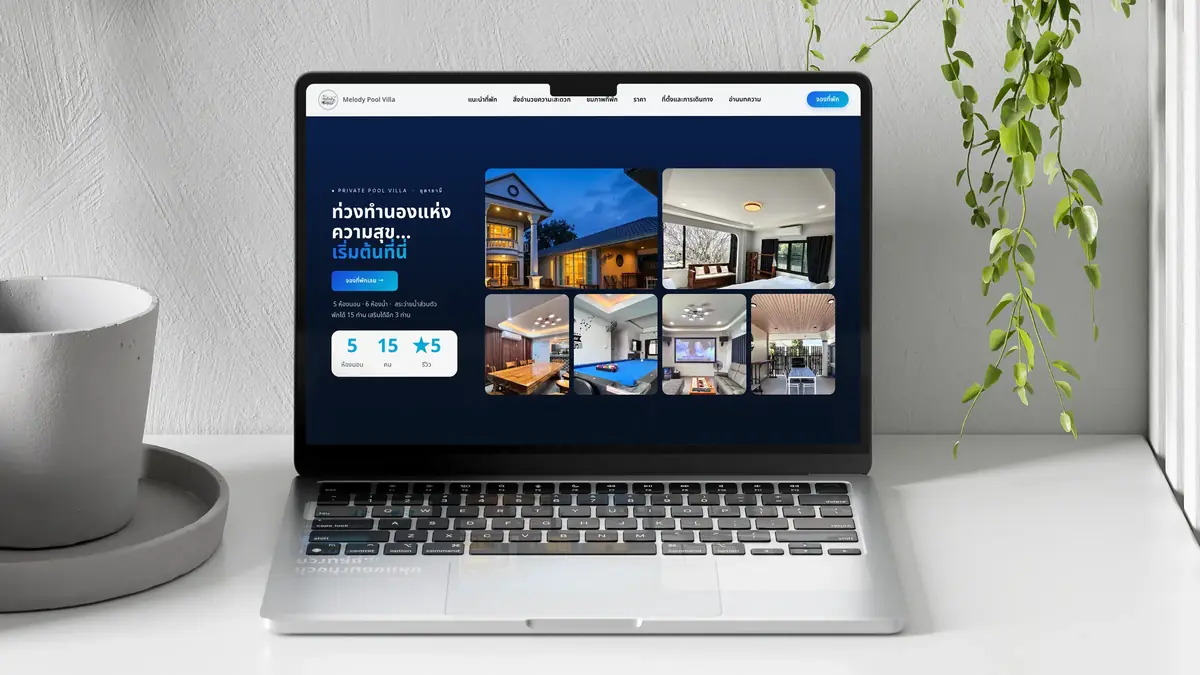
Our monthly website + SEO/GEO plan manages your Google Business Profile and reviews every month — not a one-time setup. Tell us about your business and get a plan with pricing first.
No storefront? Can you still get pinned
Home-based businesses and service providers — repair technicians, consultants, freelancers — can still create a profile by choosing "service area" instead of showing a physical address. This hides your exact address while still telling Google which areas you cover.
What to do after you're pinned
Pinning is only the starting point. What keeps a listing strong is asking real customers for reviews consistently, replying to every review, keeping photos and hours current, and posting updates from time to time. We run this ongoing process for a Bangkok restaurant: continuous profile management, not a one-time setup.
Summary
Correctly pinning your business on Google Maps means creating and verifying a Google Business Profile, setting an accurate pin, filling in complete information that matches your website, choosing the right category, and maintaining it with reviews and updates. This is the foundation of local SEO that gets nearby customers to find you before your competitors. If you want us to manage your website and Google Business Profile together, get a free plan, or read next about what SEO actually is.